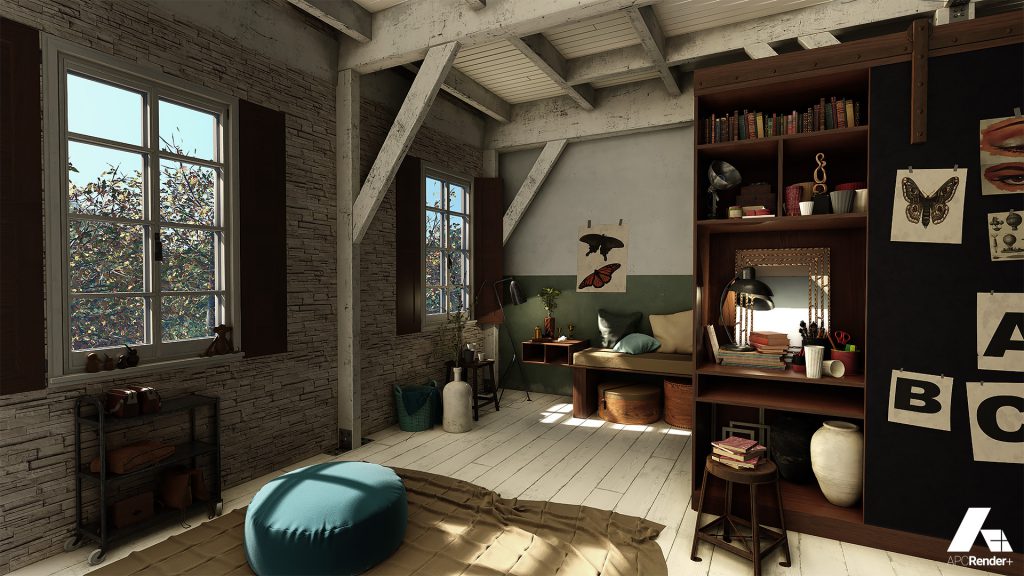
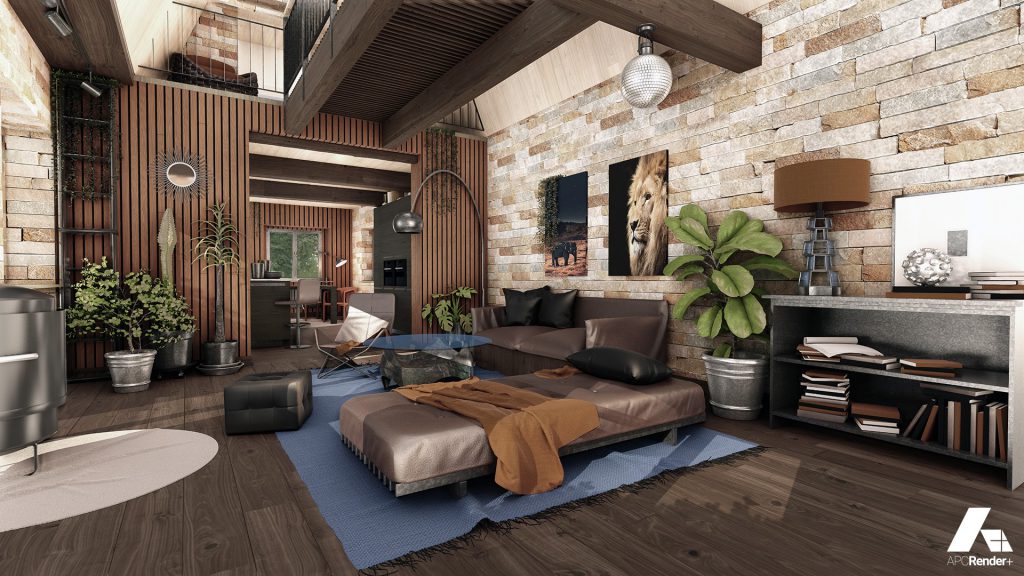
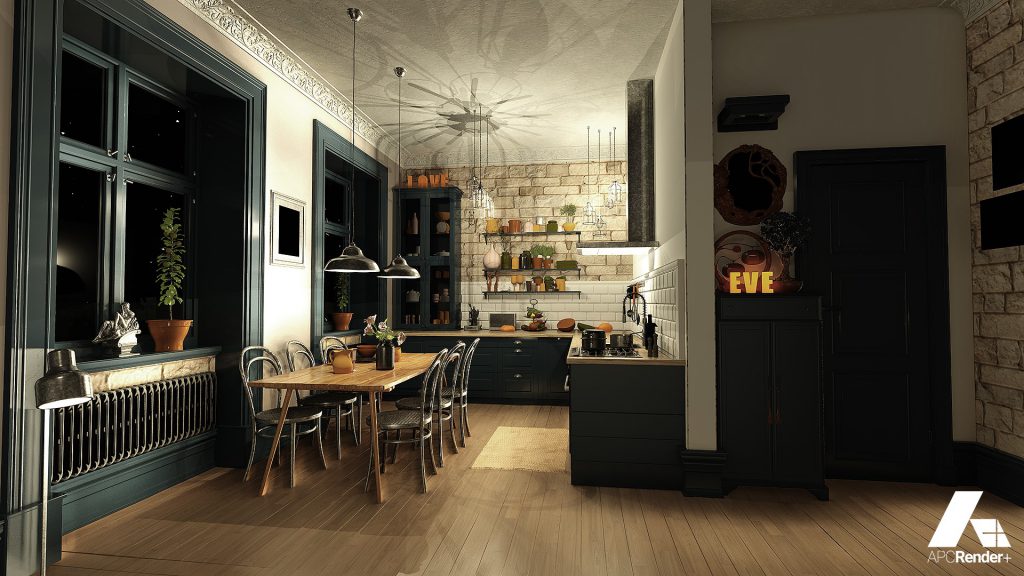
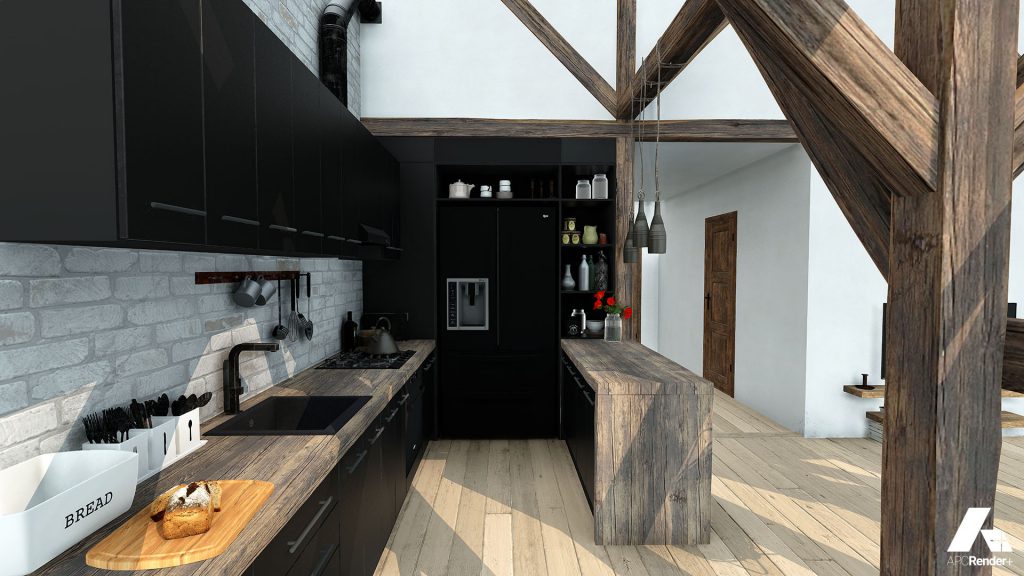
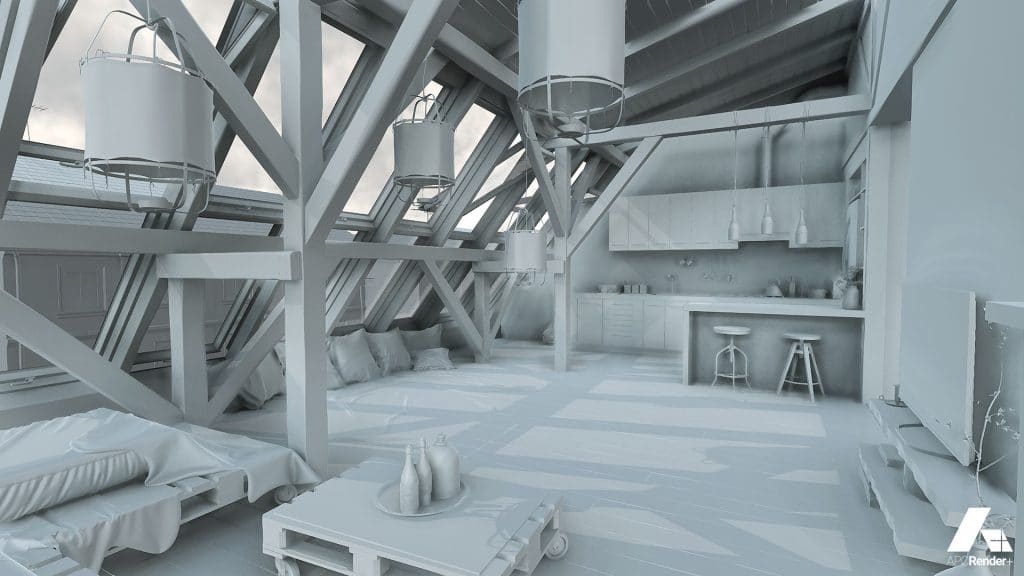
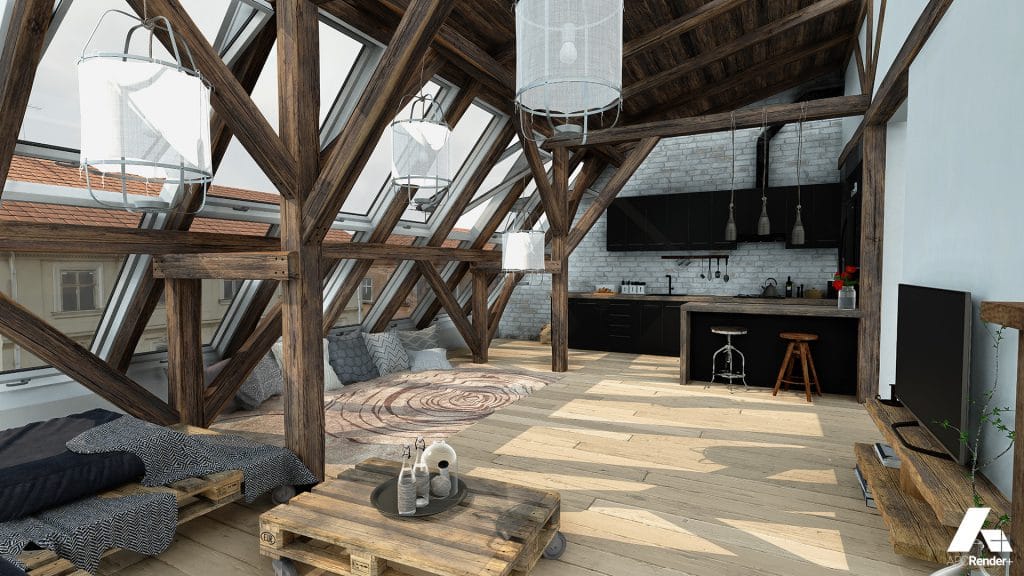
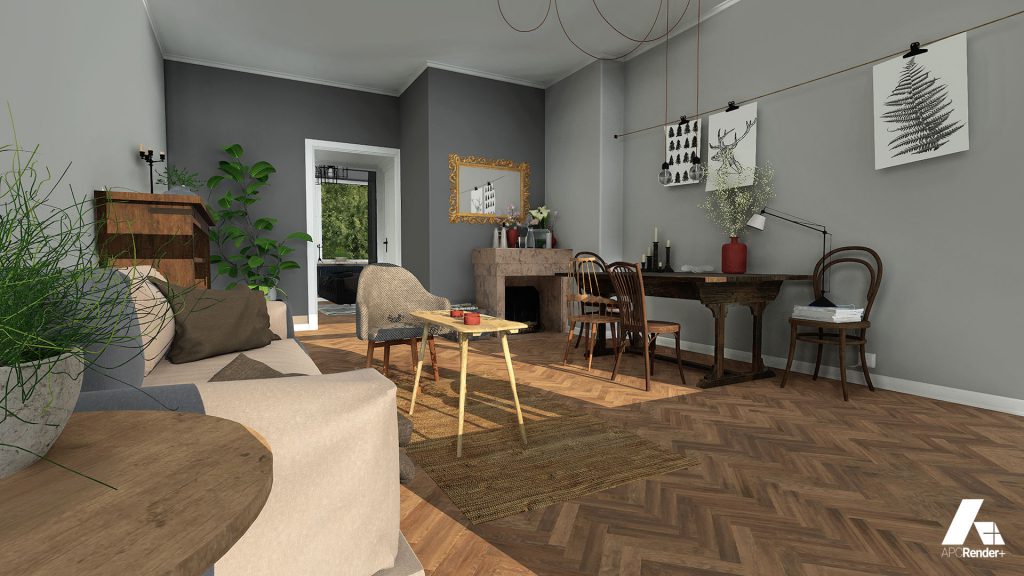
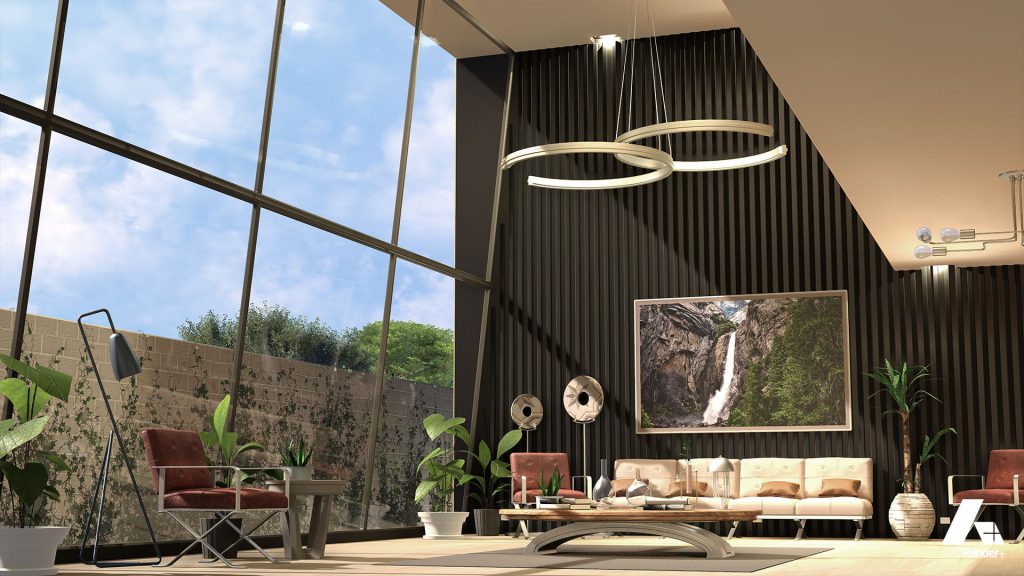
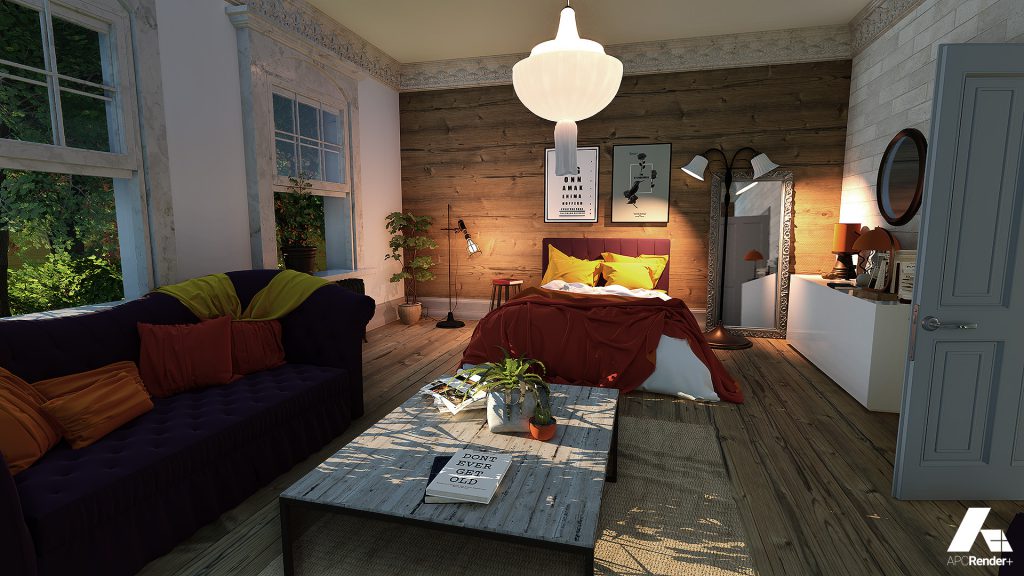
Designed for ArchiTECH.PC and also available as a standalone application, APCRender+ is EDICAD’s photorealistic rendering software, combining real-time 3D with ease of use. Bring your projects to life and present them with ease.
Simplicity and efficiency
APCRender+ fits intuitively into your design workflow, letting you focus on your project: combine colours, materials, lighting and camera angles to showcase the spaces and volumes you have designed.
PRECISE SIMULATION
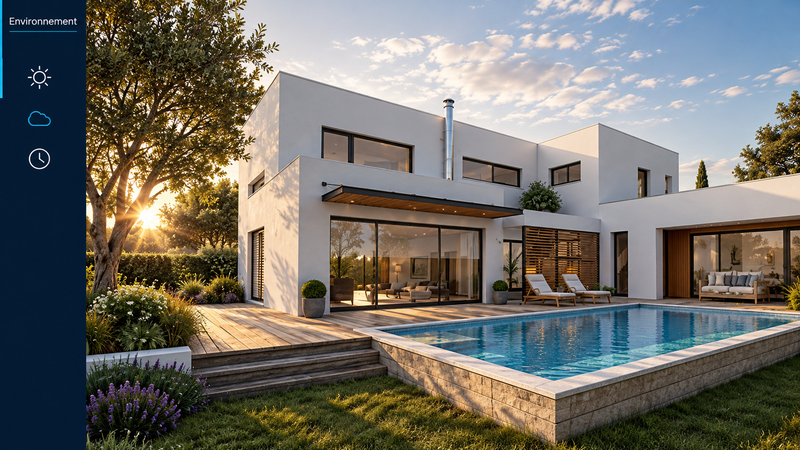
Set the project location, date and time for sunlight, then adjust wind speed and clouds to display the project in realistic conditions.
REAL-TIME 3D
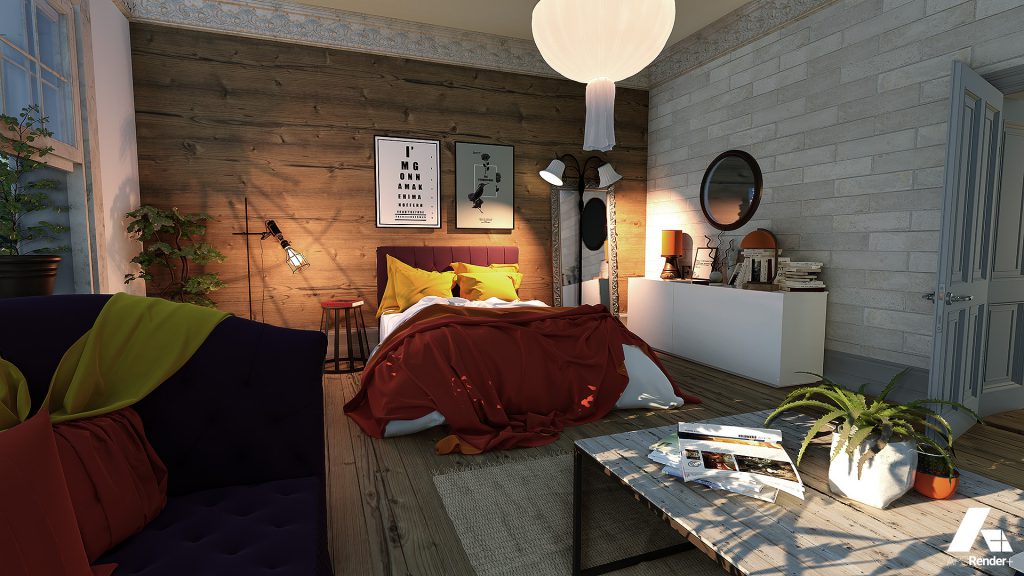
The 3D engine displays many polygons, high-resolution textures, lights and shadows, with real-time object editing, movement and camera navigation.
EXTENSIVE MATERIAL AND 3D OBJECT LIBRARIES
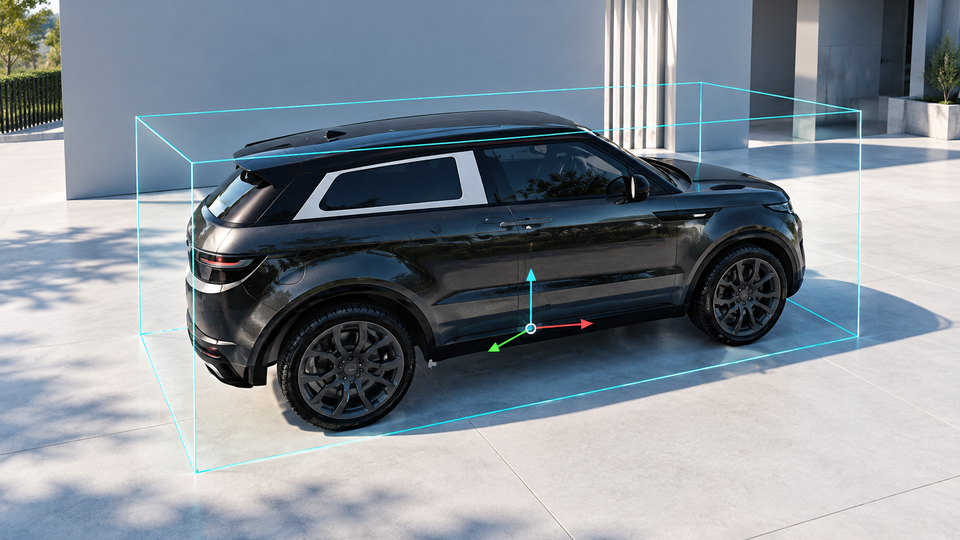
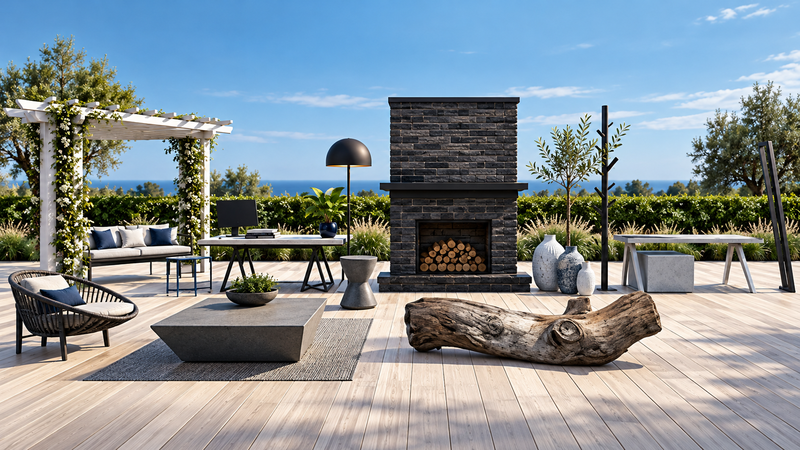
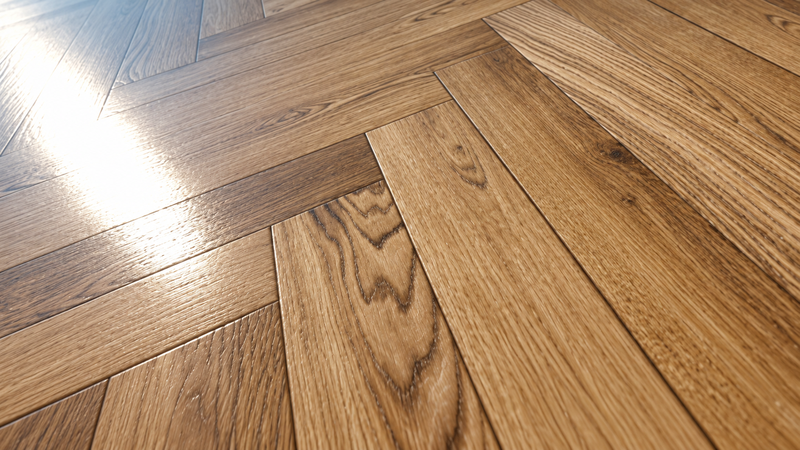
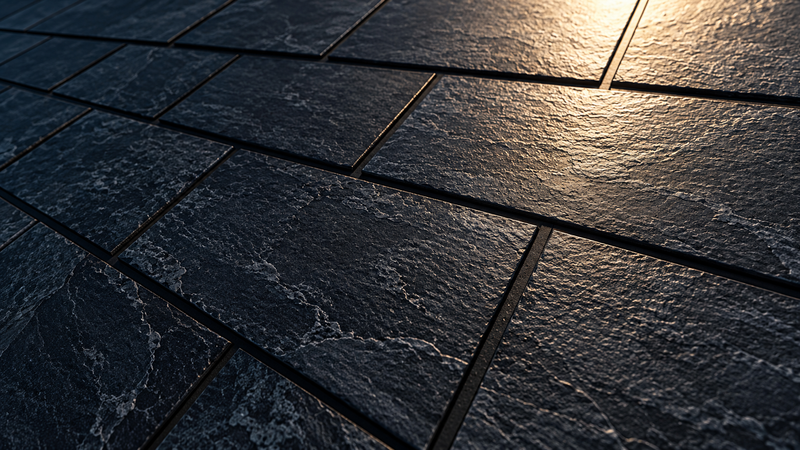
APCRender+ libraries contain hundreds of high-resolution textures with gloss, relief and grain effects, plus configurable 3D objects. Import your own 3D objects and create materials from your textures.
TRIPLANAR MATERIALS
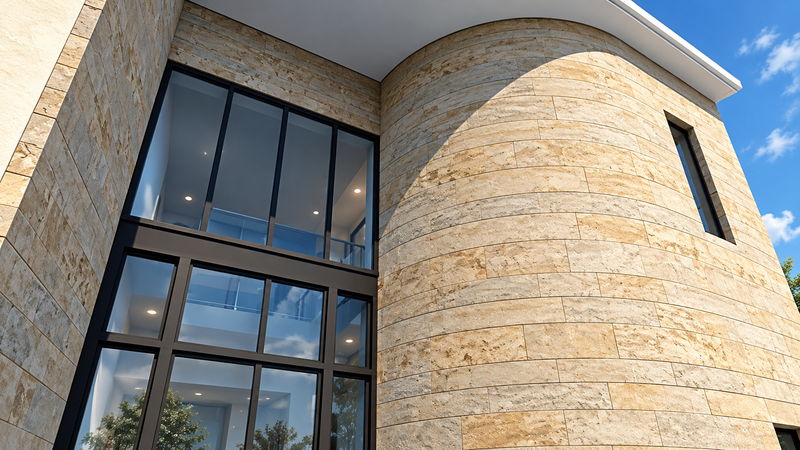
Apply materials to complex surfaces, including curved walls, by dragging and dropping.
PROJECT IMPORT
Import projects from ArchiTECH.PC or other software in 3DS, OBJ, FBX and DAE formats.
VIRTUAL TOURS
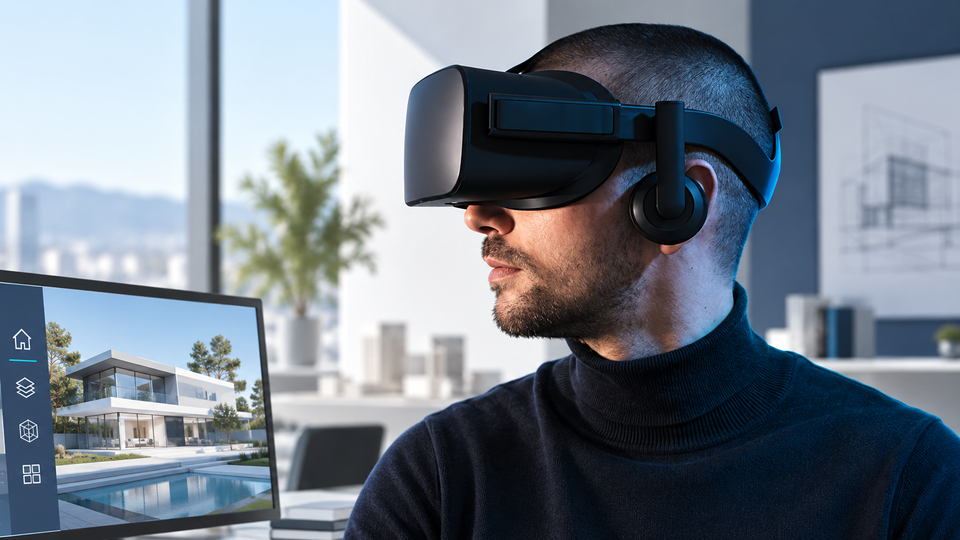
Connected to an Oculus VR headset, APCRender+ lets you and your clients experience your projects in immersive 3D, helping you review designs and present your proposals.
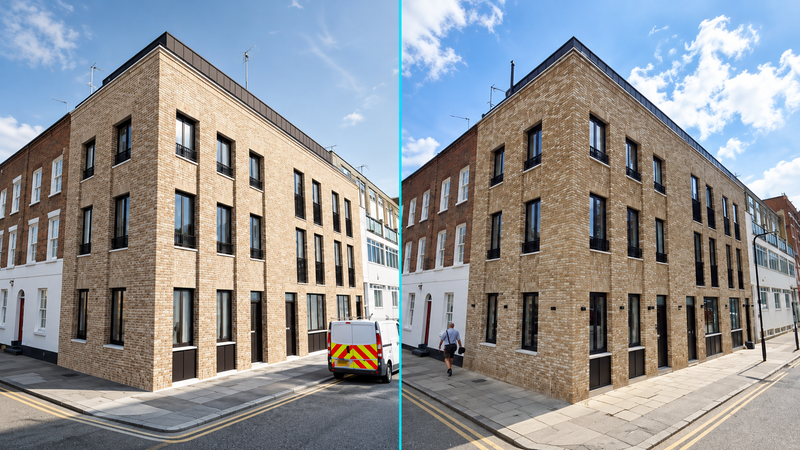
SITE INTEGRATION (landscape photomontages)
Create precise photomontages showing projects in their surroundings from reference points selected on photographs.
INSTANT IMAGE RENDERING
Save time on preview and final rendering: the view on screen represents your scene. The Save image command works like a camera shutter: click to save.
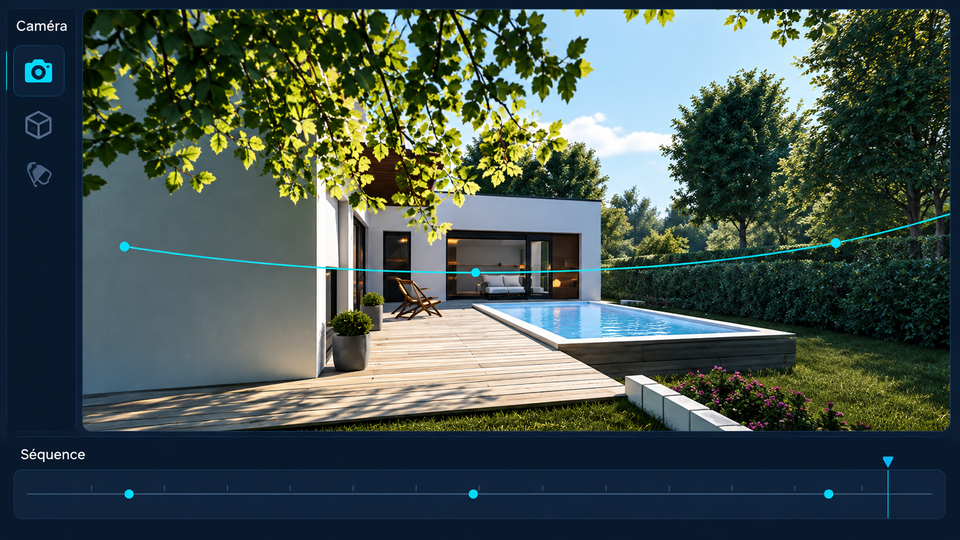
VIDEOS
Organise camera movement along a timeline to create promotional videos of your projects.
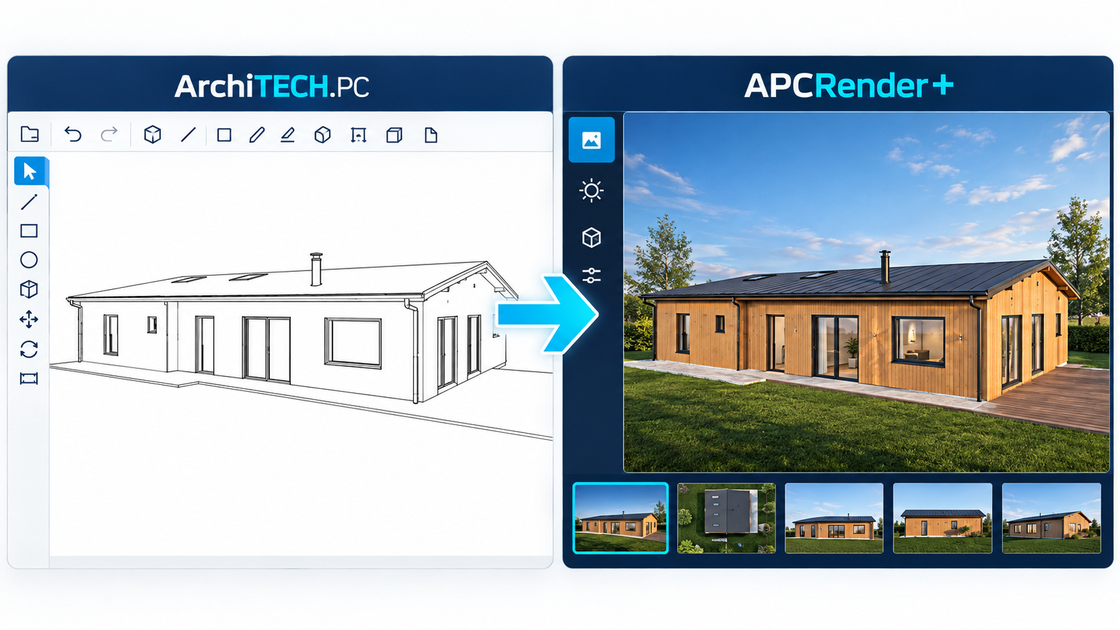
ArchiTECH.PC & APCRender+ SYNCHRONISATION
Avoid repeated project export and import by connecting ArchiTECH.PC directly to APCRender+: project changes in ArchiTECH.PC automatically update the APCRender+ scene, including texture libraries.
Who is APCRender+ for?
APCRender+ is for designers who need to present projects as clearly as they develop their technical aspects, while keeping rendering work manageable.
ARCHITECTS & PROJECT MANAGERS
Check how your choices of volumes, spaces and surfaces work in their real environment using APCRender+ simulation tools.
Review aesthetic and architectural choices at every design stage in immersive 3D with a VR headset.
Create images for architectural competitions and compelling project videos.
Create site integration photomontages.
Synchronise changes made in ArchiTECH.PC to update APCRender+ automatically.
HOME BUILDERS
Create photorealistic renders from 3D project models made in ArchiTECH.PC.
Produce images for house catalogues and promotional videos.
Show houses in their surroundings for the landscape component of planning applications.
Help clients choose finishes live by dragging and dropping: timber flooring or tiles, render colours and more.
TEACHERS & STUDENTS
Use a comprehensive tool with features covering building and construction professions and their practical challenges.
Are you a student or teacher? Get 1 year of FREE exclusive access to EDICAD software and services, including ArchiTECH.PC and APCRender+, for educational use!
Image gallery
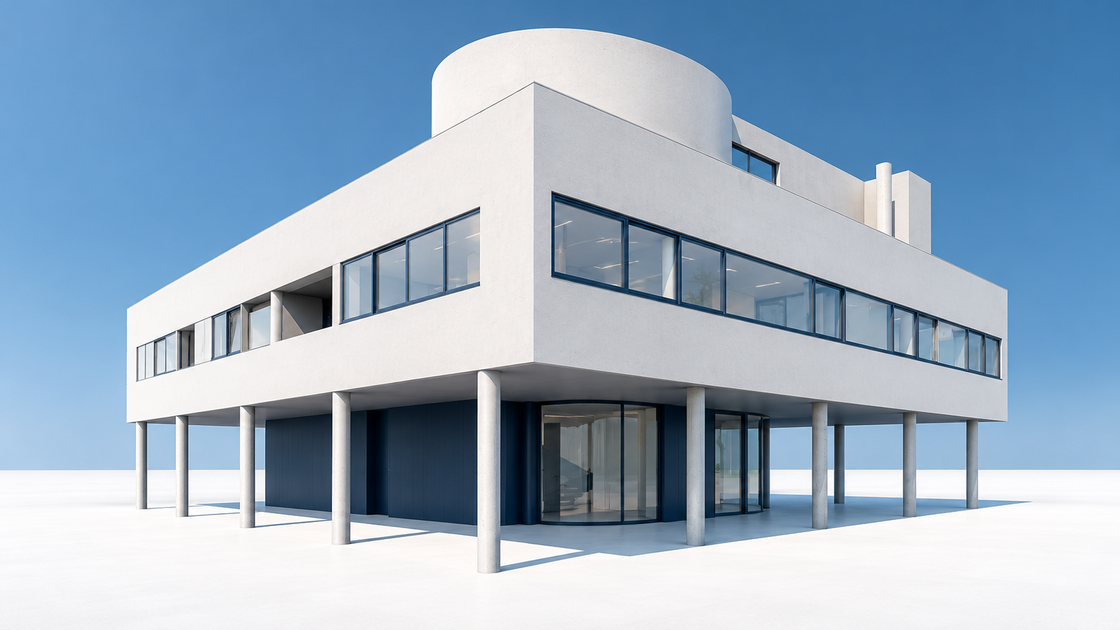
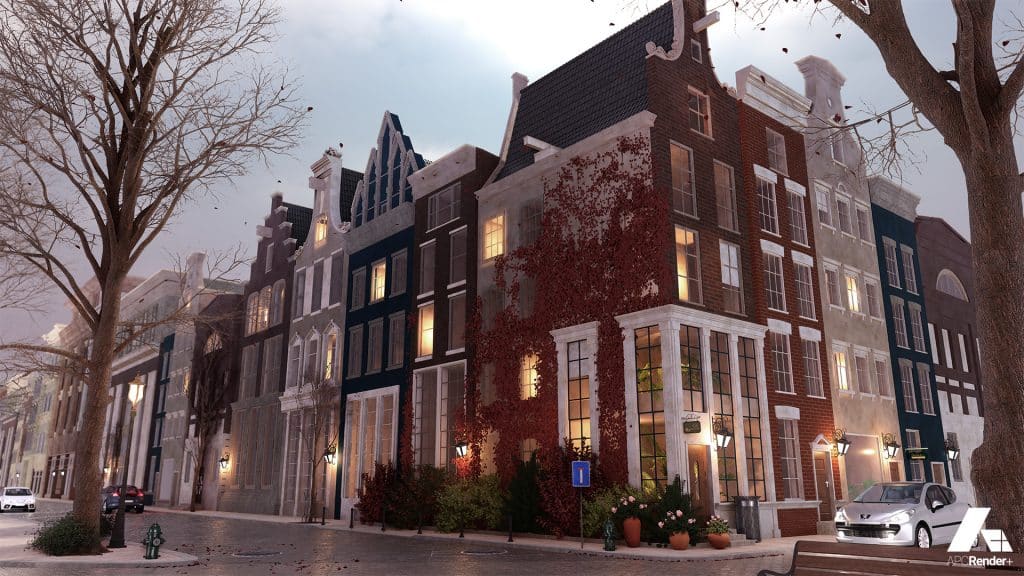
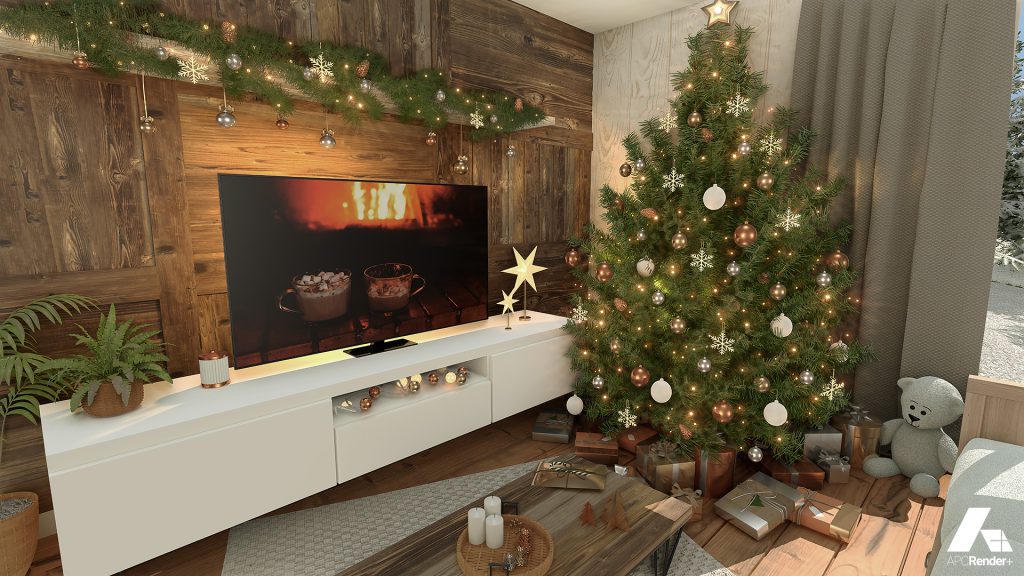
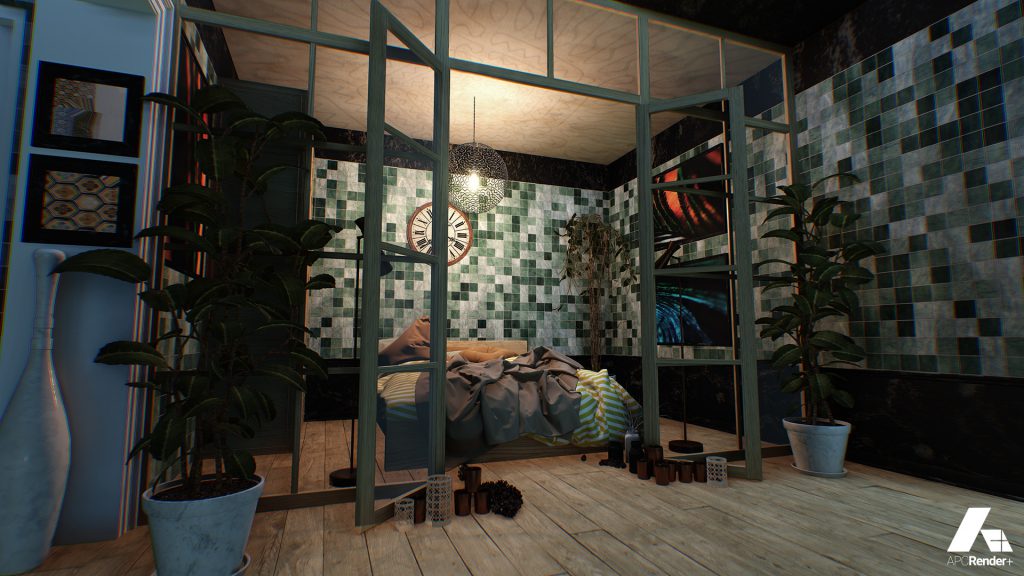
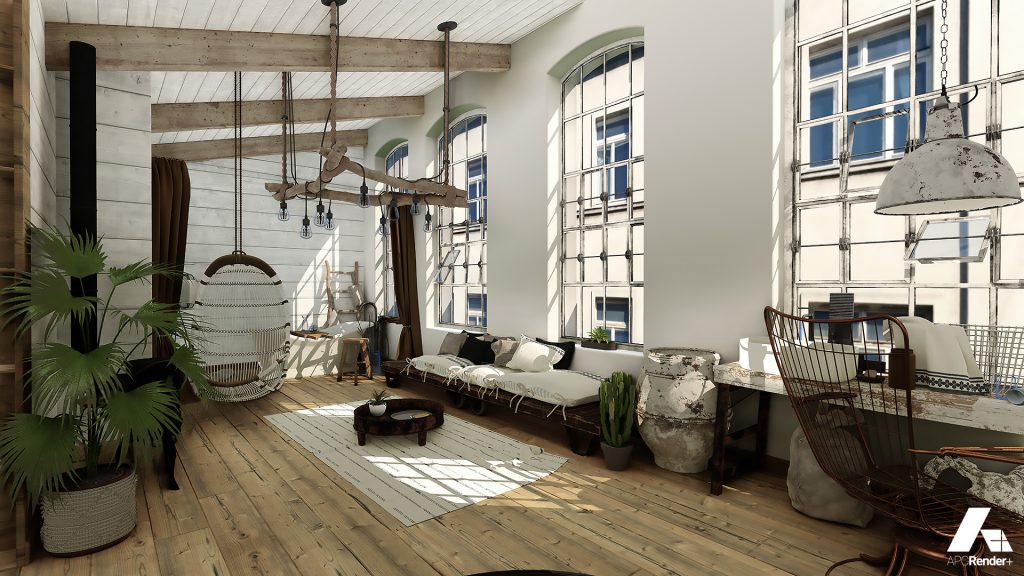
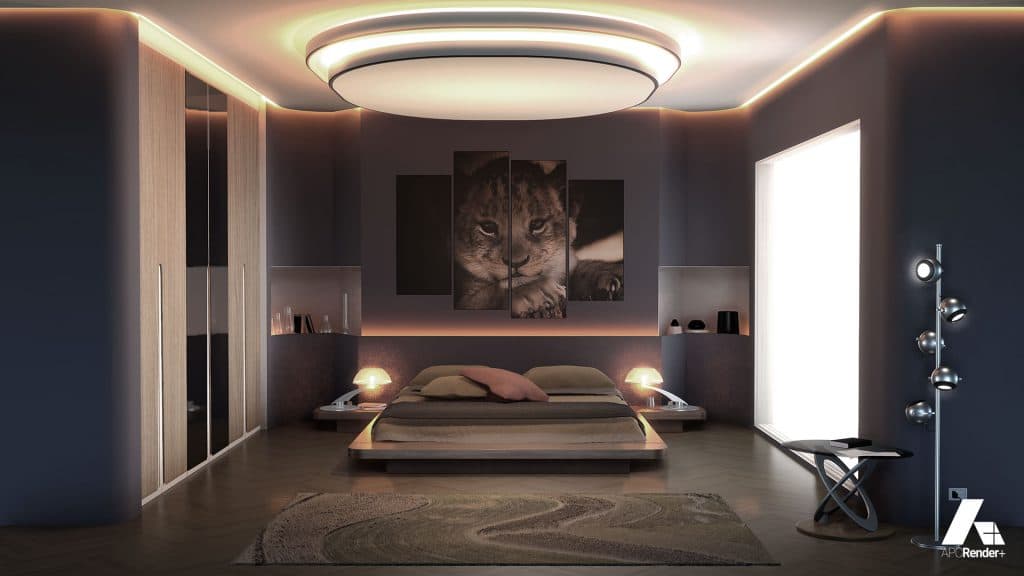
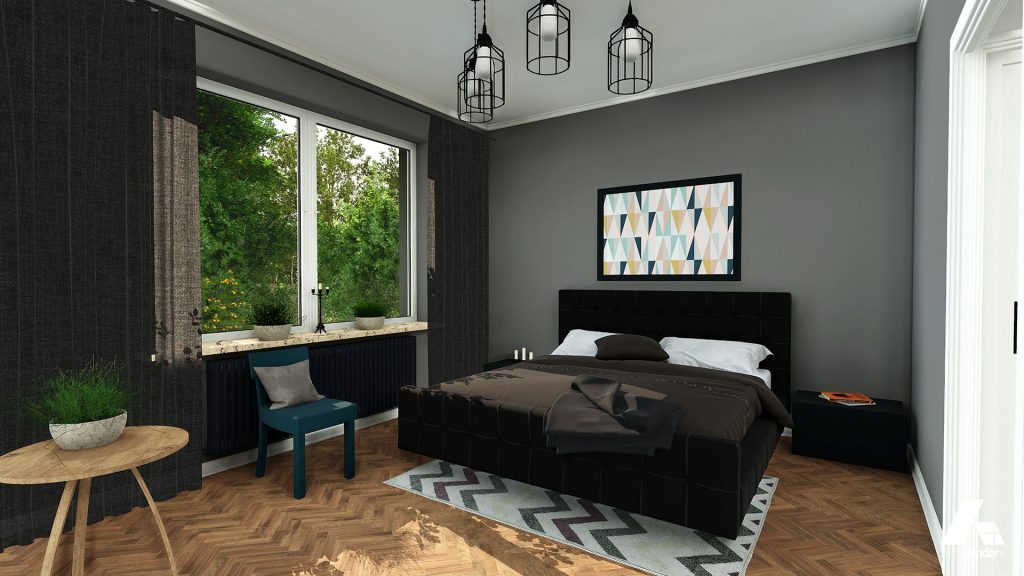
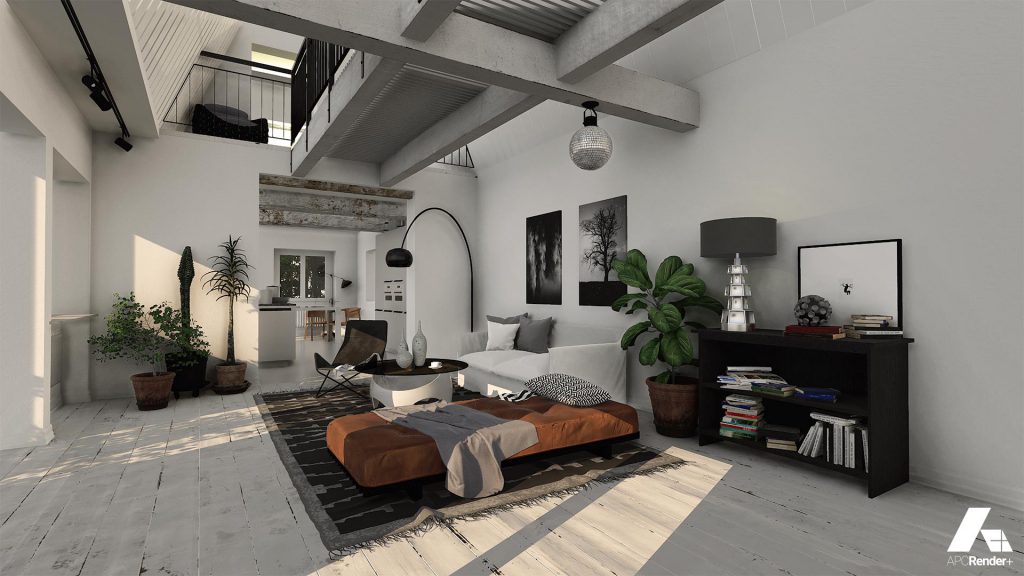
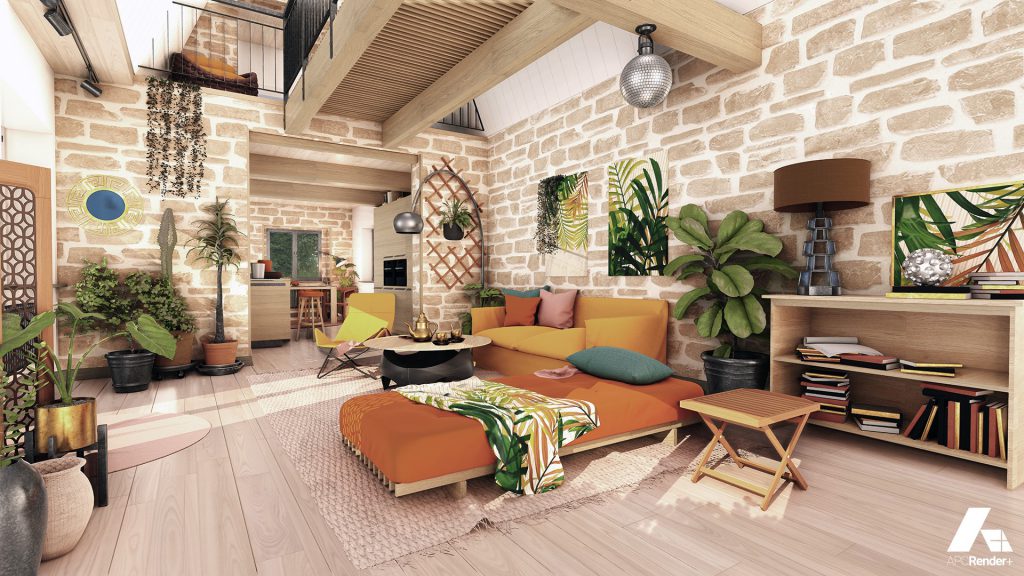
Use APCRender+ for planning application visuals, competition images, practice communications and house catalogues, or test different interior design atmospheres live.
APCRender+ is EDICAD’s real-time 3D visualisation software for ArchiTECH.PC and other CAD software, through 3DS, OBJ, FBX and DAE imports. Its engine and ease of use make it a 3D simulation tool for architectural designers.