




EDICAD GROUP · SOFTWARE & SUPPORT
Construction estimating: connect quantities to estimates
KutchCAD quantifies project work items from plans and models. The quantities can then feed written documents and compatible estimating software.
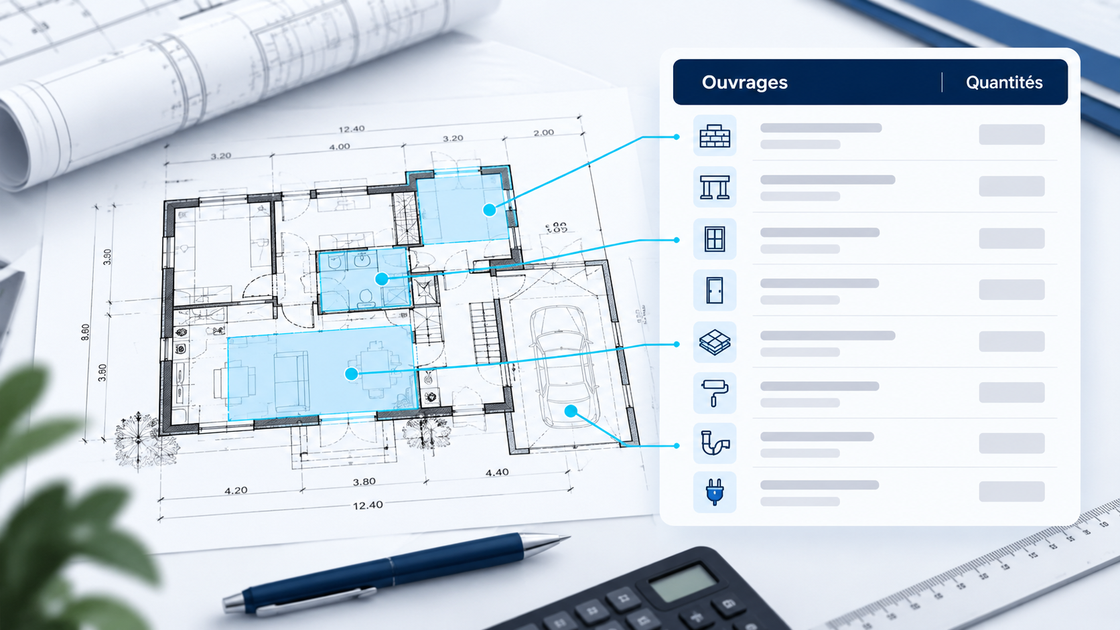
Quantity takeoff and estimating: what is the difference?
Quantity takeoff determines lengths, areas, volumes and item counts. Estimating applies prices and economic assumptions to work items. Both stages must use the same scope and calculation rules.
A workflow in four steps
- Import plans or a model and check units and scale.
- Associate project elements with your work items and calculation formulas.
- Check quantities, elements not drawn and deductions.
- Prepare written documents or transfer work items to your estimating software through a compatible interface.
What to check for your estimate
Prices, installation times, coefficients and commercial terms come from your library and working methods. Provide your estimating software name and version to confirm exchange or synchronisation options.
When a plan changes
Check affected work items and recalculated quantities when the project changes. Connecting tools reduces re-entry, while checking the estimate remains part of your work.
Prepare a demonstration using your case
Gather a representative plan, an example quantity schedule and details of your estimating software to check the complete workflow from graphical data to written documents.