Home > Features > Quantity takeoff
Derived from ArchiTECH.PC, KutchCAD is a quantity takeoff tool for building professionals, helping them calculate material quantities and associated costs automatically for construction projects from plans or digital models in aBIM environment.
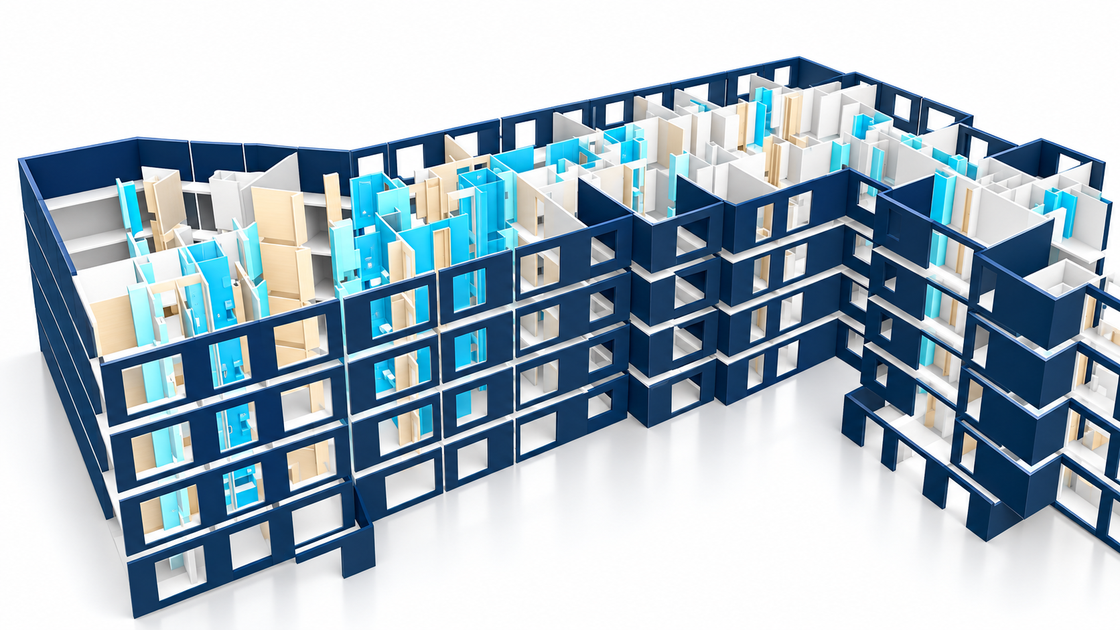
Reconstruct a BIM model from imported DXF, DWG, PDF, scanned plans and surveys, or draw it yourself.
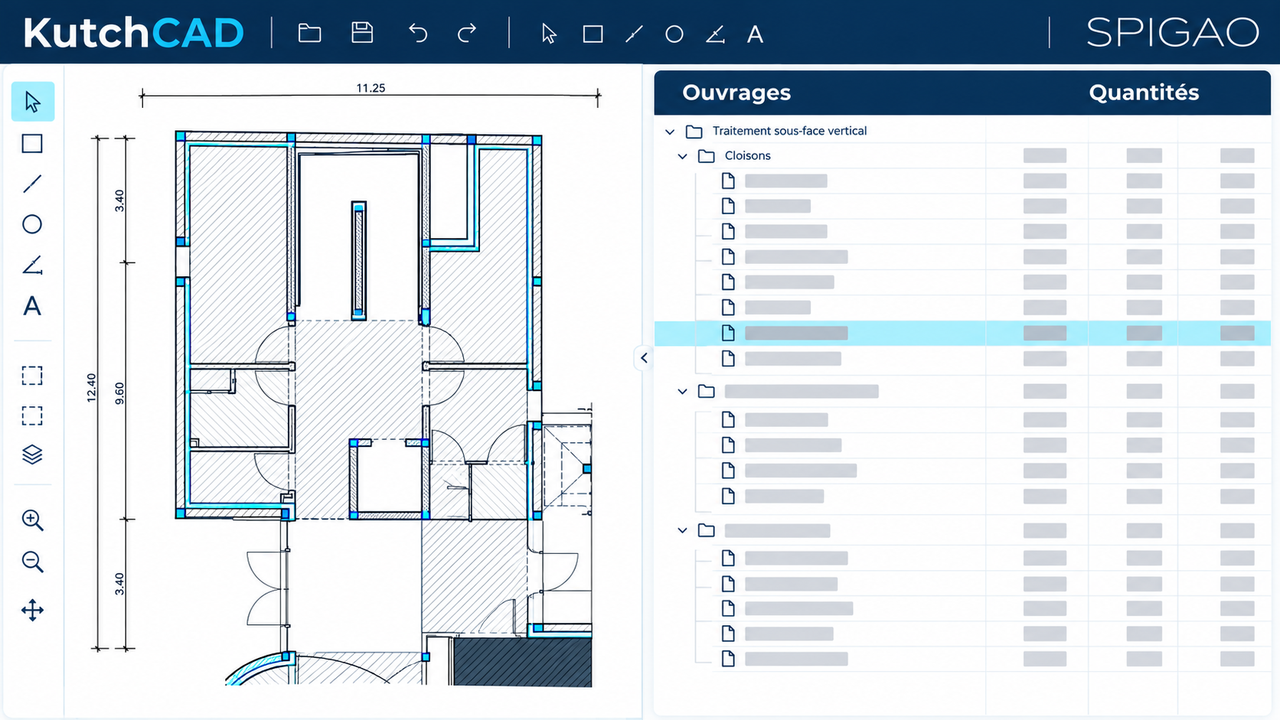
Associate project elements with work items for the pricing schedule. Quantities are calculated from drawn dimensions and formulas.
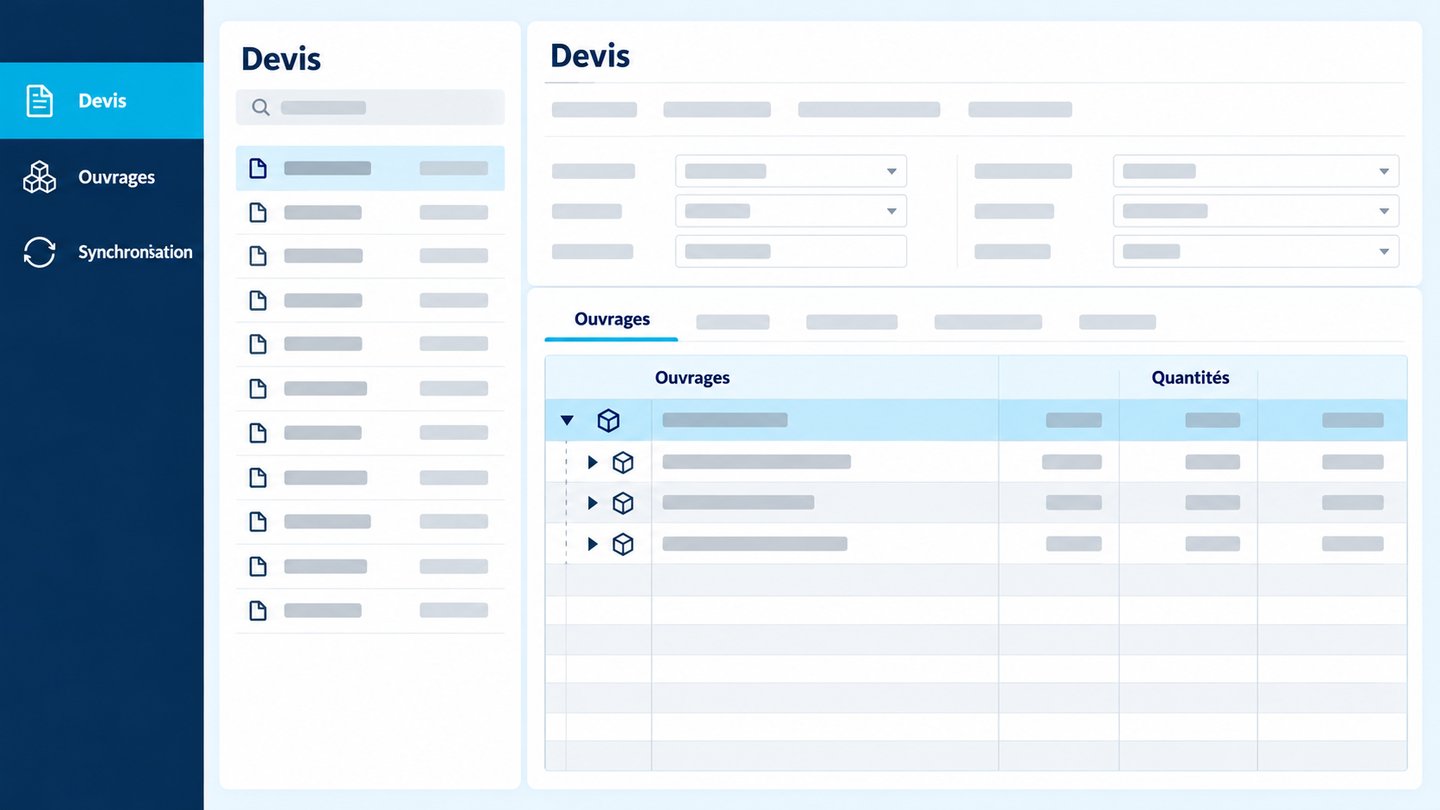
Synchronisation connects the KutchCAD and estimating databases, avoiding project import and export steps. Work items created or changed in one application update in the other. Synchronisation avoids duplicate entry and supports consistent work item references.
Synchronising KutchCAD and SPIGAO lets you:
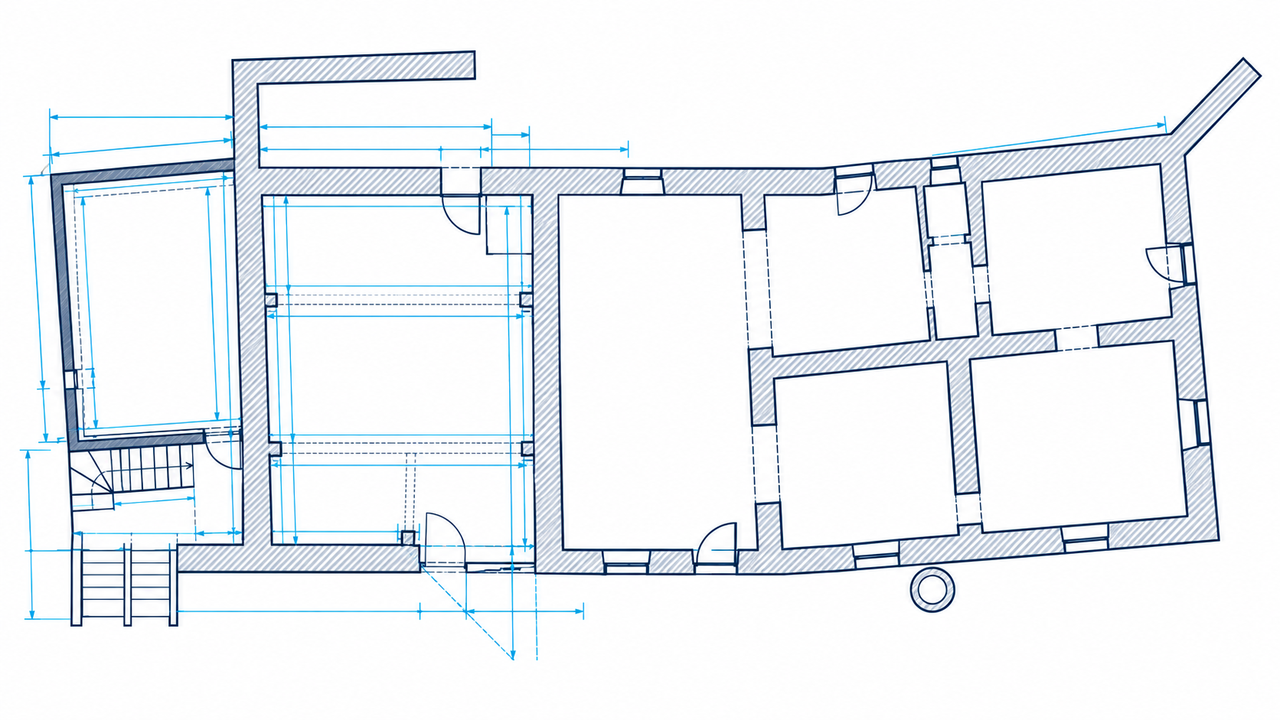
When precise third-party plans or models are unavailable, start by surveying the building.
From a freehand sketch in KutchCAD, the drawing adjusts automatically in 3D to measurements from a Bluetooth-connected laser meter or Leica Builder station.
Pricing schedules, specifications and descriptive notices are integrated into KutchCAD. The estimate becomes another project view alongside 2D and 3D. Create libraries in KutchCAD or connect estimating libraries through plugins.
Customise document layouts, logos, columns and page breaks.
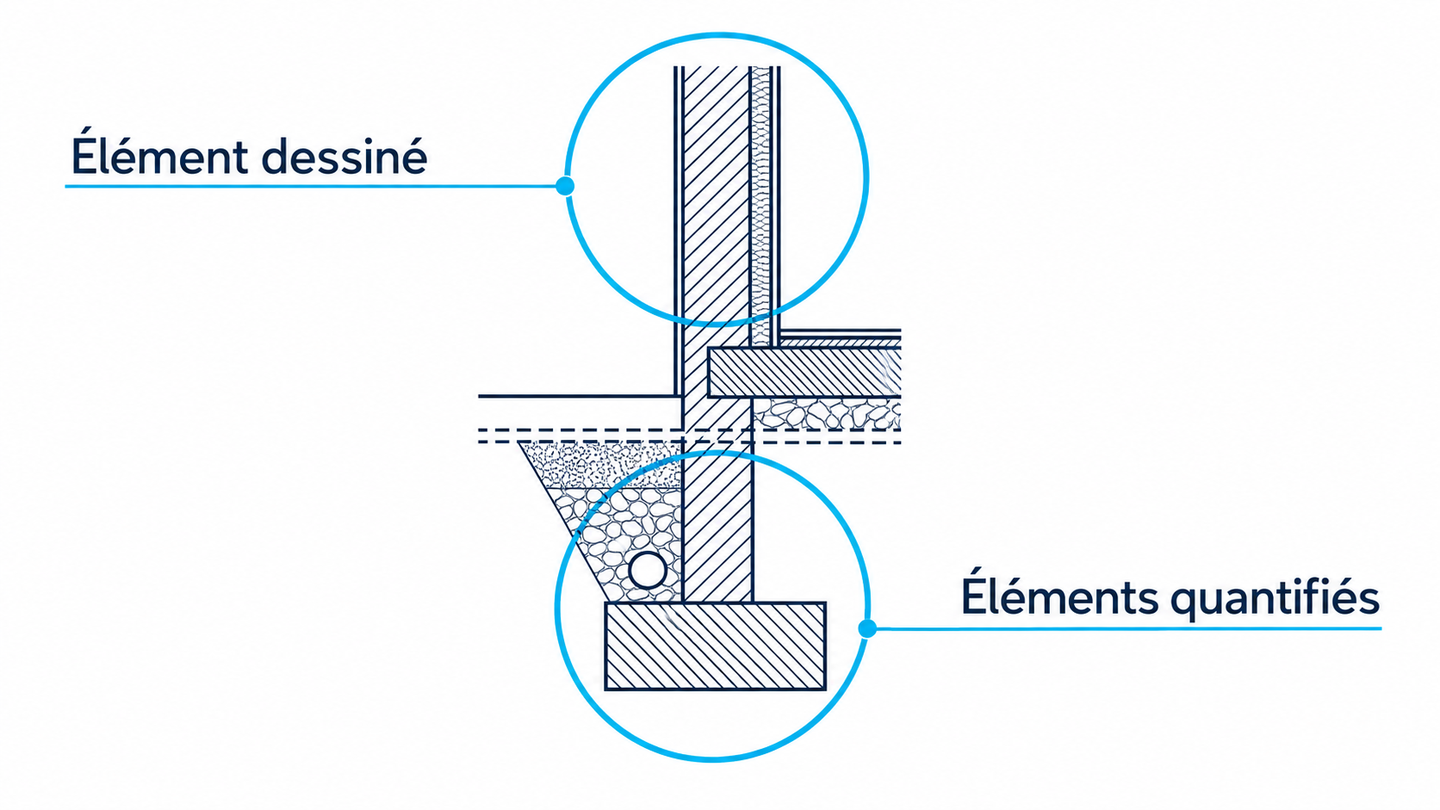
Quantify elements not shown on plans, such as foundations below load-bearing walls or roller shutters integrated into window lintels.
Create formulas to calculate these quantities without drawing the elements.
Alongside synchronisation, plugins connect KutchCAD to libraries from more than twenty estimating and quantity takeoff applications.
KutchCAD supports project import and/or export in DXF, DWG, DWF, DWFX, SKP, DAE, DGN, SVG, bitmaps, vector PDF and IFC.
Support architects, project managers and owners with technical and financial analysis, from detailed specifications and quantities to construction management and progress plans.
Prepare quantities and estimates from scanned or imported plans, connected automatically to your estimating software to avoid duplicate entry and streamline tender responses.
KutchCAD quantity accuracy starts with 2D/3D input from imported plans or your own site surveys. The resulting 3D model makes details, duplicates and input errors easier to identify in real time.
Accuracy also depends on the quality and completeness of item and work libraries used in the project. KutchCAD also lets you define custom calculation rules for work not drawn on plans, such as foundations under load-bearing walls or roller shutter boxes in window lintels.
Finally, KutchCAD can establish a direct connection — synchronisation — with estimating software, so changes in either application update the other. This avoids import/export filters and reduces omissions and duplicate entry, supporting consistent work item references.
Synchronisation between KutchCAD and tender management application Spigao supports the workflow from finding public and private tenders to submitting an electronic response.
KutchCAD is designed to be intuitive and easy to learn. Training is recommended to get started efficiently and adapt the software to your profession.
EDICAD offers two levels of training: an introductory course covering KutchCAD fundamentals, and an advanced course to improve your workflow and address more specific questions.
EDICAD also provides videos, webinars and technical support to support learning and everyday use.
Groupe EDICAD
250 route des Falguières - Planques Ouest
46230 FONTANES
FRANCE
Document search. No invented answers. Privacy