




EDICAD GROUP · SOFTWARE & SUPPORT
BIM quantity takeoff: use digital models with KutchCAD
KutchCAD connects project elements to the work items and calculation rules required for quantity takeoff. A digital model provides 3D geometry and information to check before measuring.
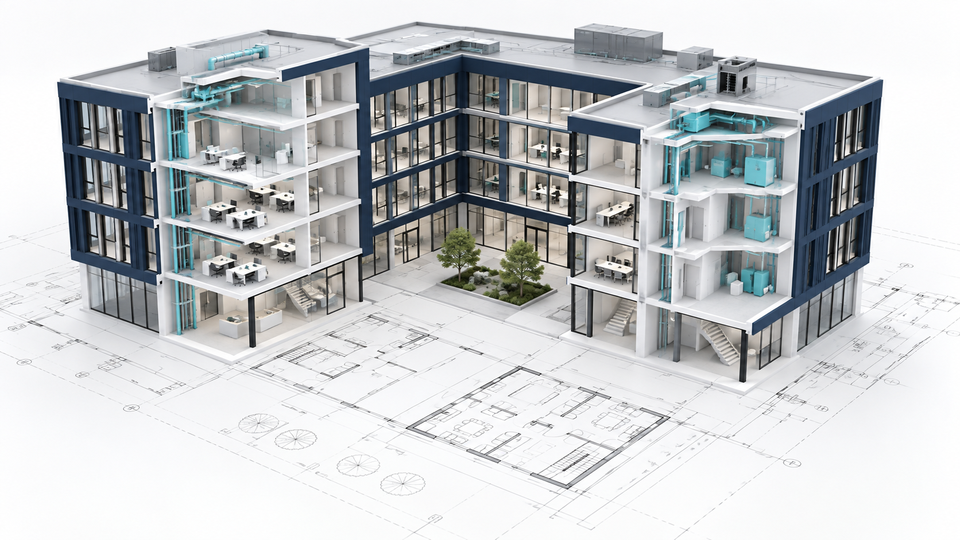
Digital models and quantities
The dimensions of modelled elements form the basis for calculations. Associated work items define the quantities to produce, including some elements not drawn, using formulas.
Use an IFC model
- Check which buildings, storeys and work packages are represented.
- Check units and available properties.
- Associate elements with your company’s work items and calculation rules.
- Compare the results with project drawings and specifications.
Exchange data with partners
KutchCAD supports plan and model exchange, including DWG, DXF and IFC. Test the versions and information required with your partners’ software.
Choose according to your assignment
For complete architectural design, explore ArchiTECH.PC. To quantify construction work from received documents, explore KutchCAD’s quantity takeoff workflow. To operate buildings and equipment, see APCSmart.